Visual Timer for Kids
with Voice Reminders
A gentle visual timer
that helps kids manage morning routines, bedtime,
and smooth transitions.


 "You've got 30 minutes left."

What is TimeSense?
TimeSense is a visual timer for kids designed to make daily routines easier. By showing how much time is left and providing calm voice reminders, it helps children handle transitions, morning routines, and bedtime more smoothly.
Everyday Chaos,
Familiar Words...
with kindness and encouragement.
Features of TimeSense
TimeSense was designed with insights from child psychology and developmental research—to support kids in a way that feels natural and engaging.
See the time.
Feel the countdown.
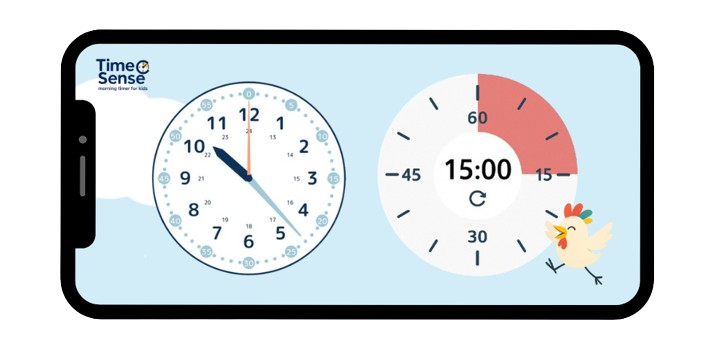
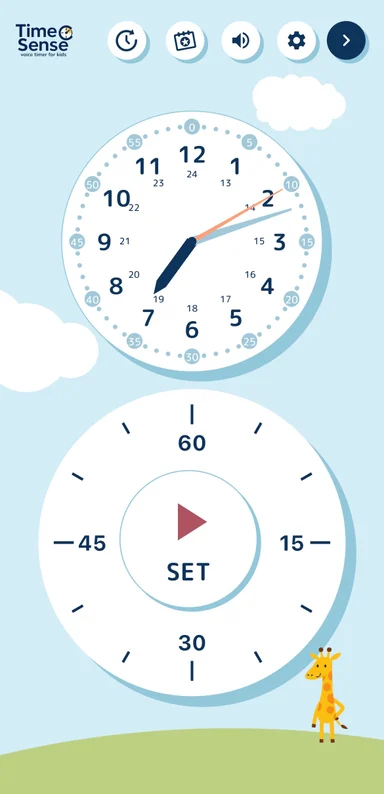
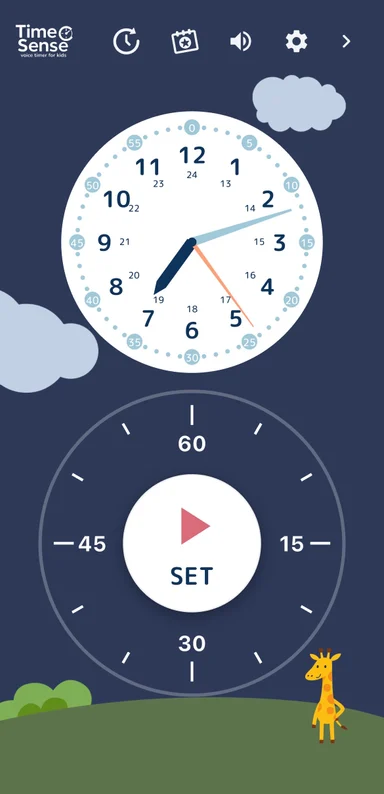
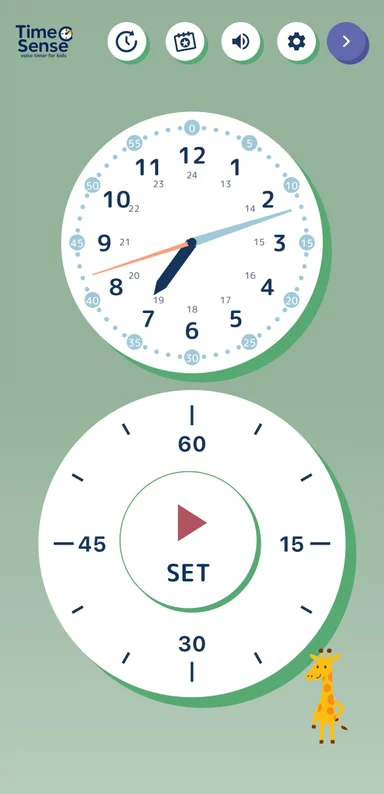
The analog clock + timer display allows you to see the remaining time at a glance.
Character
Voice Support
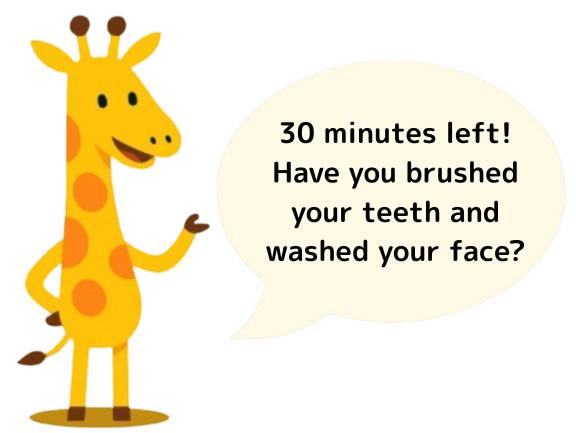
Characters speak gently in place of parents—guiding children through countdowns and next steps.
Character Switching
for Morning, Evening, Homework

Switch characters by time of day—morning, homework, or bedtime—keeping routines fresh and fun.
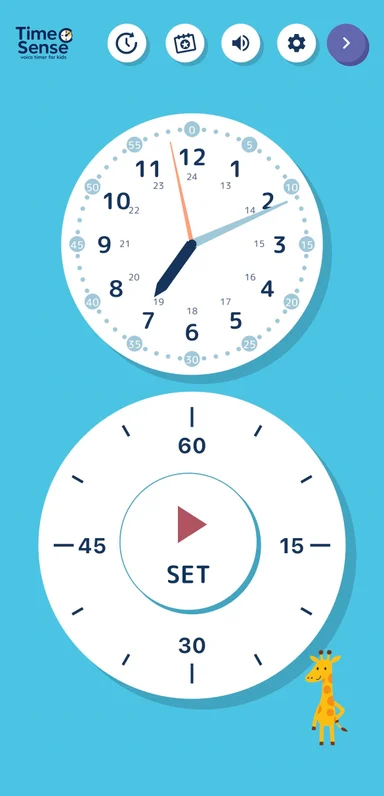
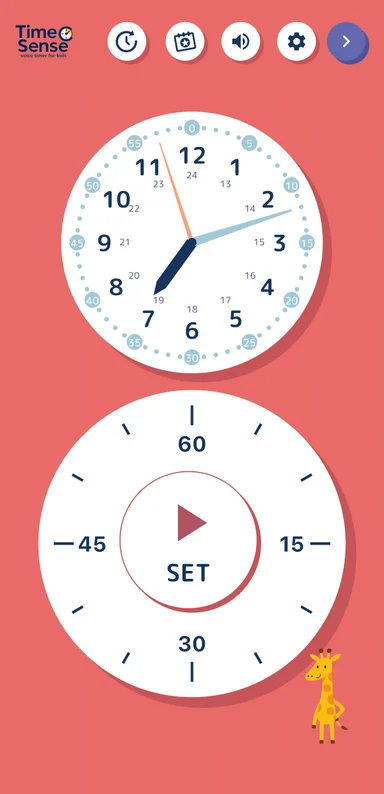
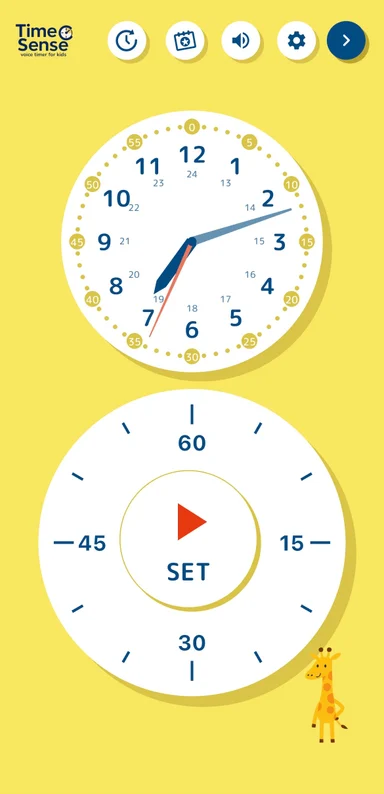
Six color themes
Voice Samples
Choose voice samples that match your child’s mood and needs.
From basic countdowns to playful encouragement—each voice is designed to help kids take action smoothly.
Four characters, free to use
Basic voice reminders from Luma, Pico, Milo and Toto are included for free. Listen to samples from Luma and Pico below.
 Luma
Luma Pico
Pico Milo
Milo Toto
Toto
TimeSense+ Voices for everyday moments
Premium adds scene-specific voices for getting ready, homework, bedtime and more, alongside the basic reminders.
 MiloHomework
 TotoBedtime
let’s blast through to the end!"
It’s almost bedtime."
Use Cases

"Hurry Up!"
Replacement
Let the timer and characters take over the morning rush—no more repeating “Hurry up!”

Concentration Switch ON
“5 minutes left!”—hearing it from a character boosts focus and motivation.

Smooth Transitions
Struggling with transitions is normal. TimeSense guides kids gently through changes—like cleaning up or moving from play to study.
From the Developer
This app was created from our wish to begin each morning with a smile—even during hectic routines and moments when our son found it hard to switch tasks.
With a clear display of remaining time and adorable character voices offering gentle prompts, TimeSense acts like a co-parent—speaking on your behalf.
It’s a timer app built on the ideas of education and kindness, helping kids gradually develop self-direction and time awareness.
We hope TimeSense can support children and parents all over the world. We’d love to hear your feedback!

FAQ
Here are answers to the questions we hear most often.
Tap any item to open the answer and troubleshooting steps.
Q. The screen is not responding / I cannot tap buttons
A. Child Lock may be turned on.
TimeSense includes a Child Lock feature that can temporarily limit touch input so children do not accidentally stop the timer or change settings.
If the screen is not responding, please first check whether Child Lock is enabled.
How to check
- Check the gear icon in the top-right corner of the main screen
- If a lock mark appears at the lower-right of the gear icon, Child Lock is enabled
How to turn it off
- Press and hold the gear icon in the top-right corner
- After a few seconds, the settings screen will open
- Select Child Lock from the menu
- Turn Child Lock OFF
Please note
- While Child Lock is enabled, some screen actions are disabled
- This does not mean the app is broken
If it still does not work
If Child Lock is not enabled, or the issue continues after these steps, it may be a device-specific problem. Please contact us by email at hello@syncraft.dev.
- Device model
- OS version
- App version
Q. There’s no sound / voice guidance won’t play
A. Your device settings or the app settings may be affecting playback.
TimeSense offers character voice guidance and sound effects. In most cases, missing audio is caused by device settings or in-app sound settings.
Things to check
- Make sure your device is not in silent mode or mute mode
- Make sure your device is not connected to Bluetooth earphones or speakers
- Tap the gear icon on the main screen, open Sound Settings, and confirm that voice guidance and sound effects are not turned OFF
- If your selected language requires a voice pack, try again with a stable internet connection
Please note
- Some languages may not yet support voice guidance
- Downloading a voice pack requires an internet connection
If it still does not work
If the issue continues after these checks, please contact us through the in-app App Feedback menu.
- Device model
- OS version
- App version
- Selected language
Q. The timer stops before it finishes
A. Your device power-saving settings may be stopping the app automatically.
TimeSense is designed to stay stable while a timer is running, but on some Android devices, aggressive battery settings can restrict the app in the background.
Things to check
- Make sure Battery Saver or Low Power Mode is not enabled
- Make sure TimeSense is excluded from battery optimization
- Make sure background activity is allowed for the app
If you use an Android device
Some manufacturers apply stronger battery control than usual. This can happen more often on devices from Samsung Electronics, Xiaomi Corporation, and OPPO.
Please note
- This issue is less common on iPhone and iPad
- Android setting names may differ depending on the manufacturer
If it still does not work
If the issue continues after these checks, please contact us through the in-app App Feedback menu.
- Device model
- OS version
- App version
- What happened when the timer stopped (for example, how many minutes had passed)
Q. I turned on notifications, but I’m not receiving them
A. Your device notification or battery settings may be affecting delivery.
TimeSense can send notifications at the times you set. In most cases, missing notifications are caused by device-side restrictions.
Things to check
- Make sure notifications are allowed for TimeSense in your device settings
- Make sure Do Not Disturb or Focus mode is not active
- Make sure Battery Saver or Low Power Mode is not enabled
If you use an Android device
Battery optimization or background restrictions may delay or block notifications. The exact setting names may vary by manufacturer.
Please note
TimeSense notifications are affected not only by the app, but also by your device settings. On Android, behavior can vary by model.
If it still does not work
If the issue continues after these checks, please contact us through the in-app App Feedback menu.
- Device model
- OS version
- App version
- The time you set for the notification
- What happened when the notification did not arrive
Q. Can I transfer data to another device? / Is my data synced?
A. At the moment, TimeSense stores data separately on each device and does not support sync between devices.
To keep the app safe and privacy-friendly for young children, TimeSense does not use account registration or cloud sync. Your data is stored only on the device you are using.
Data that is not currently synced
- Profile settings
- Stamp card progress
- Routine settings
- Other app settings
Please note
In all of these cases, data is not shared automatically.
- iPhone ⇔ iPad
- iPhone ⇔ Android
- Android ⇔ Android (different devices)
- Data transfer when changing devices
About purchases
If you are using the same store account, you may be able to restore your TimeSense+ purchase. Please try Restore Purchases in the app.
Profile data, stamp progress, and similar data cannot be restored.
If it still does not work
If your data appears to be missing or you are unsure what happened, please contact us through the in-app App Feedback menu.
- Device model
- OS version
- App version
- What you are seeing
Q. What is the difference between the free version and TimeSense+?
A. You can use TimeSense for free, but some features are available with TimeSense+.
TimeSense includes core timer features in the free version, and we also offer the paid TimeSense+ plan for families who want more flexibility.
What you can do in the free version
- Basic timer features
- Character voice guidance
- Routine feature (with some limits)
- Profile feature (with some limits)
- Stamp card feature
Ads may be shown in the free version.
What you can do with TimeSense+
- Use multiple profiles
- Increase the number of saved routines
- Unlock some feature limits
- Reduce or hide ads
- Access future premium features
Recommendation
We recommend starting with the free version and upgrading to TimeSense+ if it feels like a good fit for your child. Please check the in-app purchase screen for the latest details.
Q. I purchased TimeSense+, but I still cannot use it
A. Your purchase may not have been reflected yet, or you may be signed in with a different store account.
If premium features are not available after purchase, the purchase status may not have synced correctly yet.
Things to check
- Make sure you are signed in with the same store account that was used for the purchase
- Try Restore Purchases from the TimeSense+ menu in the app
- Check your internet connection, restart the app, and try again after a few minutes
Please note
Because the stores are different, purchase information cannot be shared across platforms.
- iPhone → Android device change
- Android → iPhone device change
If it still does not work
If the issue continues after these checks, please contact us through the in-app App Feedback menu.
- Device model
- OS version
- App version
- Purchased plan name
- Purchase date and time, if known
Q. I want to cancel my subscription
A. Subscriptions must be canceled from your app store account, not from inside the app.
TimeSense subscriptions are managed by the App Store or Google Play. They cannot be canceled from within the TimeSense app itself.
If you use iPhone or iPad
- Open the Settings app
- Tap your Apple Account at the top of the screen
- Select Subscriptions
- Select TimeSense
- Tap Cancel Subscription
If you use Android
- Open Google Play Store
- Tap your account icon in the top-right corner
- Select Payments & subscriptions
- Select Subscriptions
- Select TimeSense
- Tap Cancel subscription
Please note
- Deleting the app does not cancel the subscription
- After cancellation, you can continue using it until the current billing period ends
- Once canceled, the subscription will not renew automatically next time
Download the App
Try it for free today!
Upgrade to TimeSense+ for full voice selection and an ad-free experience—designed to fit every moment of your child’s day.